Extract named colors from the tscv color palette as hexadecimal color
codes.
Details
tscv_cols() returns the hexadecimal color codes used by the
tscv package. If no color names are supplied, all available colors are
returned.
Available colors are:
"red", "green", "blue", "orange",
"yellow", "light grey", and "dark grey".
See also
Other data visualization:
plot_bar(),
plot_density(),
plot_histogram(),
plot_line(),
plot_point(),
plot_qq(),
scale_color_tscv(),
scale_fill_tscv(),
theme_tscv(),
tscv_pal()
Examples
# Return all available tscv colors
tscv_cols()
#>  steelblue     orange      green     purple        red    skyblue     yellow
#>  "#4682B4"  "#E69F00"  "#009E73"  "#7B3294"  "#D55E00"  "#56B4E9"  "#F0E442"
#>  dark grey light grey
#>  "#4D4D4D"  "#D9D9D9"

# Return selected colors
tscv_cols("steelblue", "orange", "green")
#> steelblue    orange     green
#> "#4682B4" "#E69F00" "#009E73"

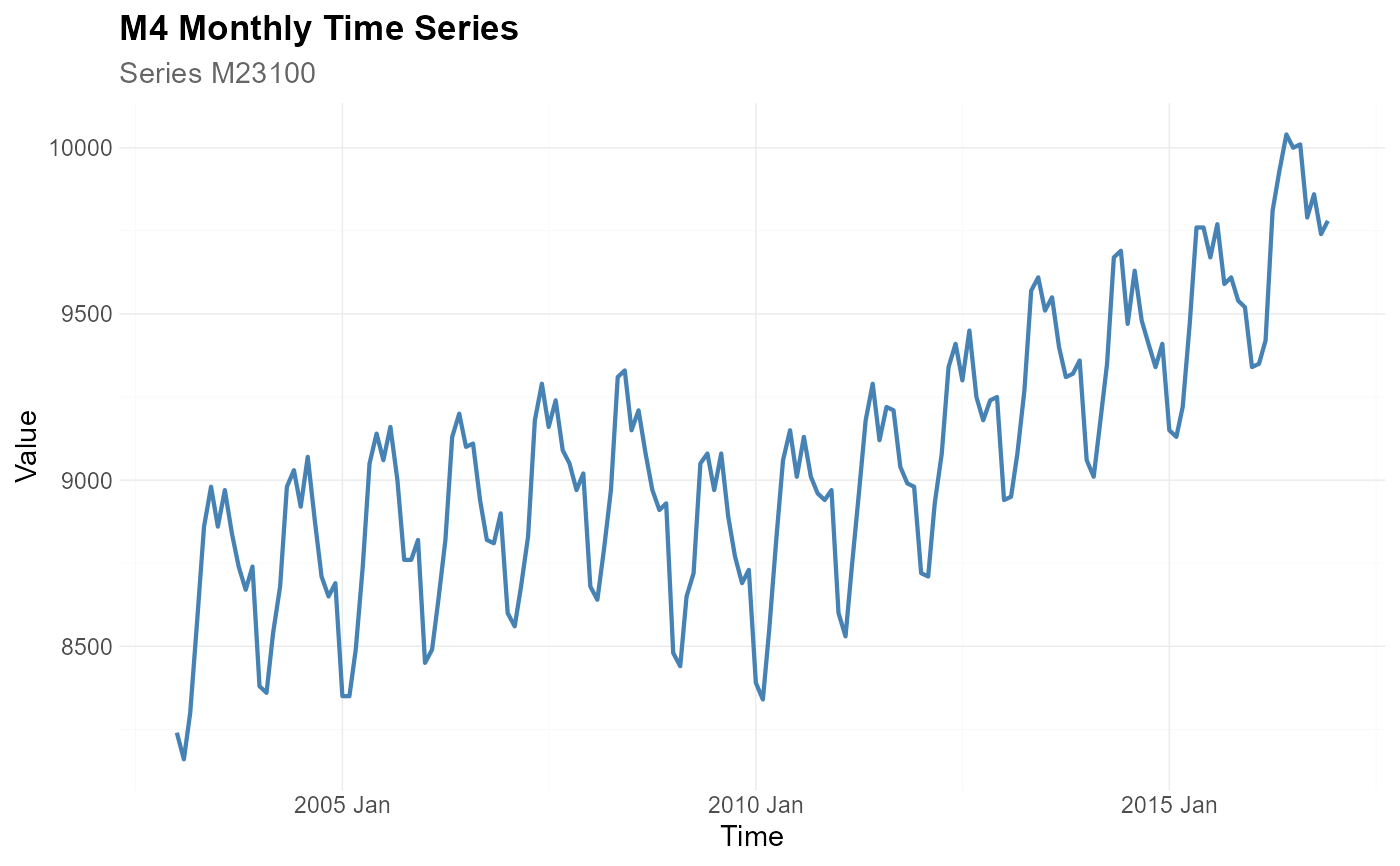
# Use a tscv color in a plot
library(dplyr)

data <- M4_monthly_data |>
  filter(series == "M23100")

plot_line(
  data = data,
  x = index,
  y = value,
  title = "M4 Monthly Time Series",
  subtitle = "Series M23100",
  xlab = "Time",
  ylab = "Value",
  line_color = tscv_cols("steelblue")
)